The Secret Workflow Top 1% Amazon Sellers Use to Launch Products 3 Weeks Faster (Without a Camera)
Stop waiting weeks for product photos. Discover how to generate studio-quality renders in seconds and launch before your competitors even book a photographer.
Why 60% of New Sellers Fail
Before They Even Launch
It's not product selection. It's not PPC. It's the "30-Day Content Gap" that drains your budget and momentum.
You finally get your "Golden Sample" from the factory. Instead of marketing it, you pack it up and ship it to a photographer in another state (or country). You track the package obsessively. You wait.
The photographer is "booked solid." When they finally shoot, they charge per image. You pay $2,000 for 7 angles. If you want to change a background color? That's another $500 for "retouching."
You upload your expensive photos. Amazon's bot flags the main image: "Background must be pure white (RGB 255,255,255)." Your listing is suppressed. You're back to square one.
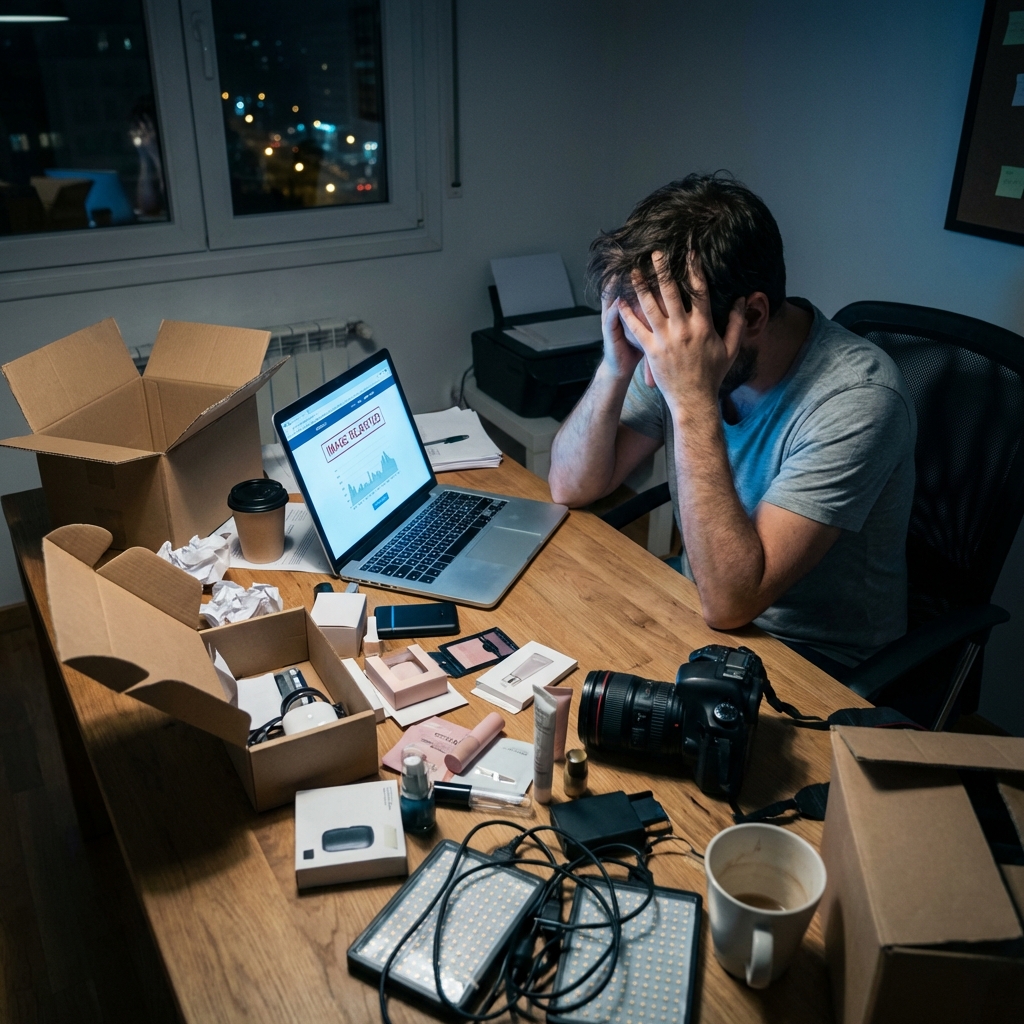
Figure 1: The reality of the "Old Workflow." High stress, high cost, low speed.
The "Photography Trap" That Kills New Launches
Meet Andy. Like many aspiring FBA sellers, Andy did everything right. He found a high-demand, low-competition product (a specialized bamboo kitchen organizer). He negotiated with suppliers, perfected his packaging, and was ready to conquer the market.
But then he hit the wall that stops 60% of new sellers dead in their tracks: Product Photography.
Use Case: The Nightmare Scenario
- 1.He shipped his only "golden sample" to a professional studio in California. Time cost: 10 days.
- 2.The photographer had a "backlog" and took 2 weeks to shoot. Time cost: 14 days.
- 3.The quote came back: $2,000 for 7 images. Money cost: $2,000.
By the time Andy got his photos, nearly a month had passed. Even worse? Amazon's algorithm flagged his main image because the background wasn't "pure white" (RGB 255, 255, 255). His listing was suppressed on Day 1.
While Andy was fighting with photographers and editors, a competitor launched a similar product and started collecting reviews. Andy was "burned" before he even sold unit #1.
The Epiphany: "What if I don't need a camera?"
Frustrated and unwilling to spend another $500 on "rush edits," Andy stumbled upon a thread in a private 7-figure sellers mastermind. They weren't hiring photographers. They weren't shipping samples across the globe.
They were using AI Direct-to-Render technology.
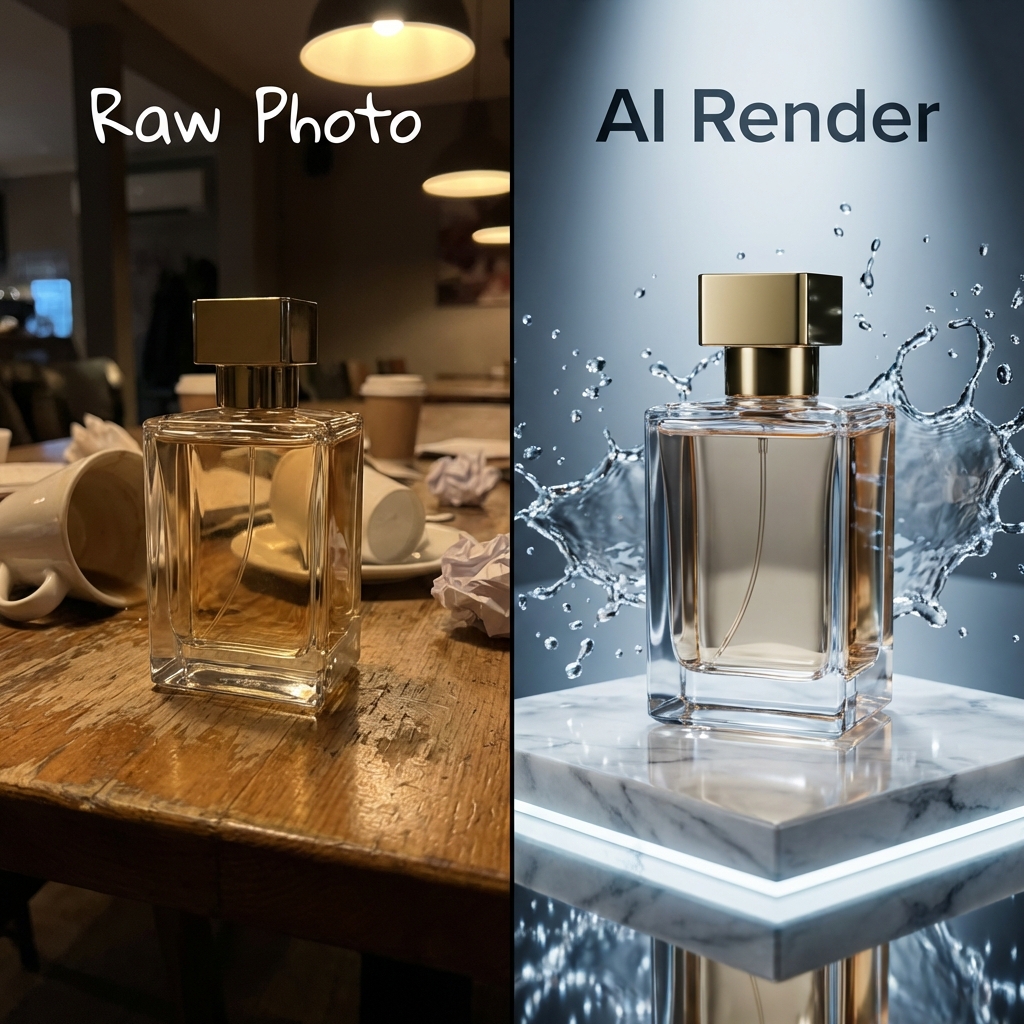
Andy downloaded the Rendery3D app. He took his iPhone, scanned his prototype on his kitchen table (in bad lighting, with clutter everywhere), and uploaded the photos of the product.
The "Unfair Advantage" Result
Speed to Market
He generated 15 studio-quality 4K renders in 60 seconds. No shipping, no waiting.
Cost Savings
Total cost: $29/month (Pro Plan). He saved $2,000 immediately.
Because he could iterate instantly, Andy tested 5 different "Main Image" angles. He found one that had "high drama" lighting - impossible to explain to a photographer but easy to click-and-generate with AI.
The Outcome
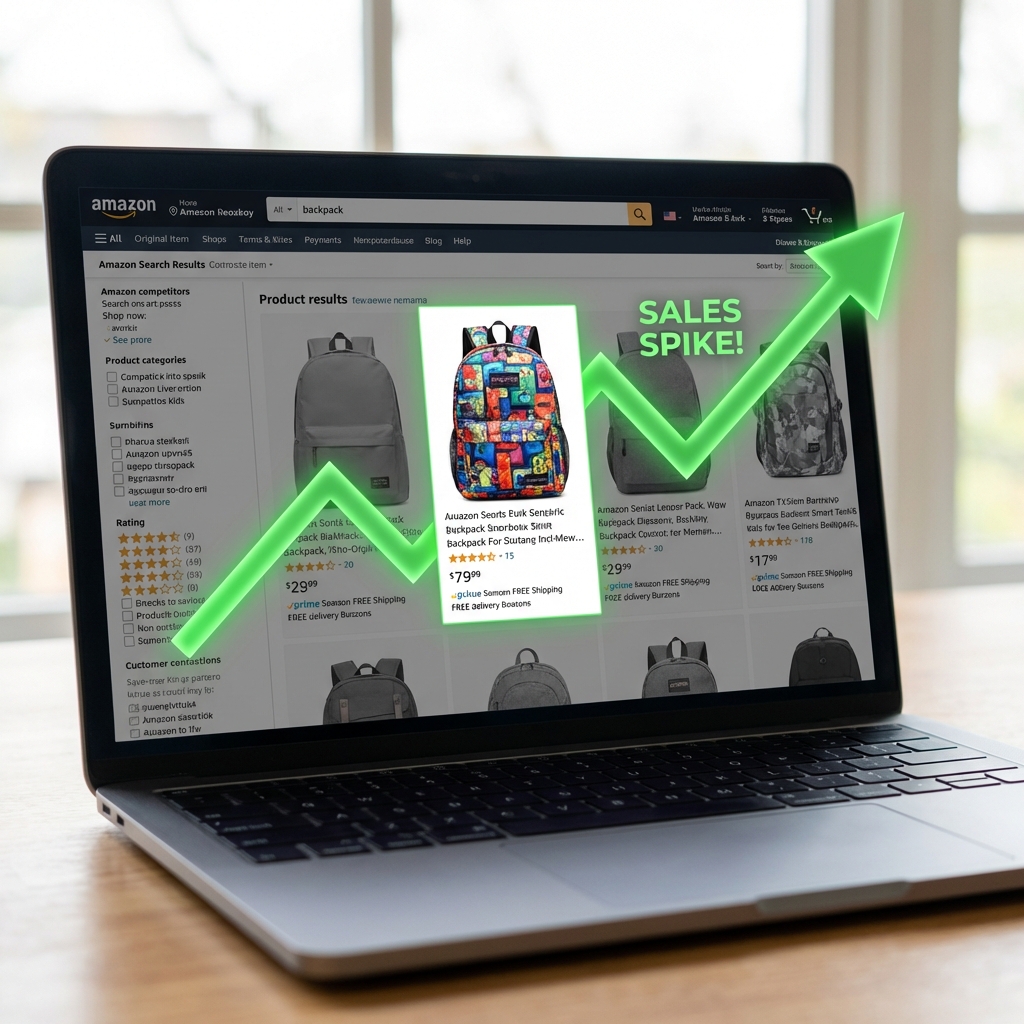
Andy launched 3 weeks ahead of schedule. His optimized main image achieved a 25% higher Click-Through Rate (CTR) than the category average. His competitor? Still waiting for their "professional" edits.
The "Secret" Workflow
How It Works
Turn your physical sample into a marketing powerhouse without leaving your desk.
Scan Your Prototype
No professional camera needed. Just use your iPhone to capture photos of your product sample on any table.
AI Generates Digital Twin
Our AI converts your photos into photorealistic 3D renders (Digital Twin) in minutes. No manual modeling required.
Generate Infinite Photos
Place your digital product in any scene. Generate white background shots, lifestyle images, and close-ups instantly.
Not Just Another
"Background Remover"
Most tools just cut your product out of a photo and paste it onto a stock background. That's why they look fake. The lighting never matches, and the shadows are always wrong.
We use something called Nano Banana Pro to simulate the 3D render photos.
1. Photo-Based Reconstruction
Simply upload photos of your product. Our AI analyzes the visual data to understand geometry and texture without complex scanning.
2. Nano Banana Pro Processing
Our proprietary engine reconstructs a photorealistic virtual version of your item, simulating how light interacts with your specific materials.
3. Studio-Grade Rendering
The AI generates infinite variations with perfect lighting and shadows. No "uncanny valley" - just indistinguishable-from-reality photos.
The "Main Image" Effect:
+25% Click-Through Rate
The "Sea of Sameness"
Go to Amazon and search for "Garlic Press." 90% of the images look identical. Same angle, same lighting, same shadows. This is "Banner Blindness."
Because Andy could generate unlimited angles, he didn't just pick the first one. He generated 50 variations:
- AStandard Front View (Boring)
- BTop Down Flat Lay (Better)
- CDynamic "Hero" Angle with Dramatic Shadow (Winner)
The Result
His listing got 25% more clicks than competitors. Higher CTR = Higher Organic Ranking = More Sales.
Not All "AI" Is Created Equal
Beware of simple "background removers" masquerading as photography studios.
Rendery3DThe New Standard | Traditional StudioThe Old Way | Basic BG RemoversThe "Cheap" Way | |
|---|---|---|---|
| Cost Per Image | $0.50 | $50+ | $0.20 |
| Turnaround Time | Seconds | Weeks | Seconds |
| True Scene Reconstruction | |||
| Lighting Matches Product | |||
| Shadows & Reflections | Physically Accurate | Real | Fake / Floating |
What Would You Save?
Why It Works
The Benefits Are Clear
See for yourself what AI product photography can do for your business.
Cut Costs by 90%+
No studio rental, no photographer fees, no post-production wait.
Results in Under 60 Seconds
Upload a photo, get professional renders almost instantly.
Unlimited Iterations
Try different backgrounds and styles until you find what converts.
Launch Faster
No scheduling, no shipping samples, no waiting for edits.
Don't take our word for it - try it free and see the results yourself.