
Amazon FBA Photography
Stop Shipping Samples to Photographers: The AI Workflow for FBA Private Label (2026)
How to generate main images, lifestyle shots, and studio-quality product photos from a simple smartphone scan without shipping products to a studio.
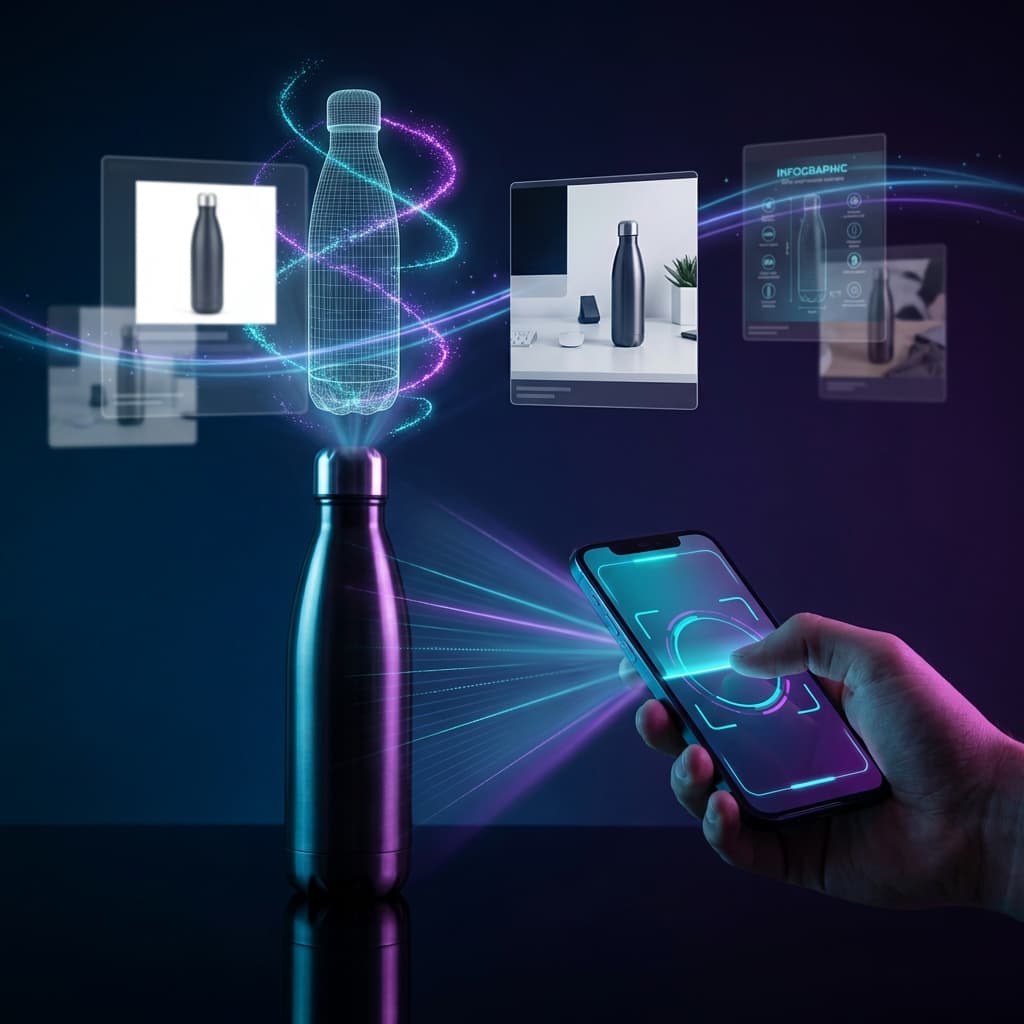

You've sourced the perfect product. Your supplier in Shenzhen has samples ready. But before you can even list on Amazon, you face an uncomfortable reality: you need to ship those samples to a photographer, wait 2-3 weeks, pay $300-500 per product, and hope nothing gets damaged or lost in transit.
Sound familiar? For thousands of FBA private label sellers, this bottleneck is the single biggest delay between product sourcing and going live. And in 2026, it's completely unnecessary.
Hours
of sellers using AI photography report 80%+ cost savings
10+ weeks
average wait time reported for traditional photography
$8.9B
projected AI photo editor market by 2034
In this guide, I'll show you exactly how to generate professional Amazon listing images from a simple smartphone scan - main images, lifestyle shots, infographics, and model shots with people using your product. No shipping. No photographers. No waiting.
💡What's Covered in This Guide
- The true cost of shipping samples (it's more than you think)
- How the AI smartphone workflow eliminates the photography bottleneck
- Step-by-step: from a single phone scan to a complete Amazon listing
- All the asset types you can generate (main images, lifestyle, model shots, A+ content)
- When you should still consider traditional photography
1. The Hidden Cost of Shipping Samples to Photographers
When you calculate the cost of product photography, the quoted price per image is just the tip of the iceberg. Let's break down what you're really paying:
Shipping Costs (Both Ways)
Domestic: $25-45 per shipment. International: $85-150+. You're paying this twice - once to send, once to return. For international suppliers, express shipping alone can cost $150+ each way.
Time Delays
Transit time: 3-14 days each way. Studio turnaround: 5-10 days. Add customs delays for international shipments (sometimes 2-4 weeks). One Reddit seller reported waiting 10+ weeks from shipping to receiving final photos.
Damage & Loss Risk
Samples can arrive damaged, get lost in transit, or be held by customs. If your prototype is destroyed, you start over. If your only sample is in transit, you can't sell it.
Photography Costs
White background shots: $25-50 per image. Lifestyle shots: $100-500 per image. A typical 7-image Amazon listing package: $300-500+ per product. Add infographics and A+ content, and you're looking at $1,000+ per SKU.
🚨The Real Cost Per Product
For a typical FBA seller shipping samples internationally for a 7-image listing:
- • Outbound shipping: $85
- • Photography (7 images): $350
- • Return shipping: $75
- • Total: $510+ per product
And that doesn't include the opportunity cost of 3-4 weeks delay - weeks where your competitor is already selling.
Sample Shipping Cost Calculator
Calculate the true cost of shipping samples to photographers
Within the same country (3-5 day transit)
Electronics, kitchenware, apparel
2. The Traditional FBA Photography Workflow (And Why It's Broken)
Here's what the "standard" private label photography workflow looks like in 2026:
Receive Sample from Supplier
Wait 7-21 days for sample to arrive from China/manufacturing facility
Find and Book a Photographer
Research, get quotes, compare portfolios (1-3 days)
Ship Sample to Photographer
Pack, label, pay for shipping (3-14 days transit)
Wait for Photography + Editing
Photoshoot, retouching, revisions (5-14 days)
Request Revisions (Almost Always)
Angles not right? Lighting off? Need different backgrounds? (2-5 more days)
Receive Sample Back
Return shipping (3-14 days)
Total timeline: 3-8 weeks. And if anything goes wrong - damaged sample, customs hold, photographer backlog - you're adding more weeks to that number.
This is the status quo that Amazon sellers have accepted for years. But in 2026, when AI photography workflows tools report cost savings of 80%+, there's no reason to keep doing it this way.
3. The AI Smartphone Workflow: A Complete Paradigm Shift
Here's the revolutionary part: you already have a professional photography studio in your pocket. Your smartphone camera, combined with AI, can now generate every asset type you need for an Amazon listing.
The New Workflow
Receive Sample from Supplier
The one step that stays the same (7-21 days)
Scan Product with Smartphone
Take 8-15 photos around your product. Natural lighting works. Takes 5 minutes.
Upload to Rendery3D
AI analyzes your product and generates studio-quality images that look professionally 3D-rendered - automatically eliminating small defects and imperfections. Takes 2-3 minutes.
Generate All Listing Assets
Main images, lifestyle photos, model shots, infographics, A+ content - all from your uploaded photos. Takes 5-10 minutes.
Iterate Quickly
Don't like the angle? Regenerate. Want different lighting? Change it. Each regeneration uses credits, but still far cheaper than traditional photography.
Total timeline: 15-30 minutes. Not weeks. Minutes. And you still have your sample in hand - available to sell, photograph more variations, or ship to FBA immediately.
Why This Works Now (But Didn't Before)
The AI photography market is projected to reach $8.95 billion by 2033, growing at 13.6% annually. This isn't hype - it's real technology that's fundamentally changed what's possible:
- AI-powered image generation: Neural networks create images that look professionally 3D-rendered, eliminating surface imperfections and defects from your source photos.
- Generative AI for product imagery: AI can place your product into any scene, with any lighting, in any context - photorealistically, including with human models.
- Smartphone camera improvements: Modern phone cameras capture enough detail for AI processing. 15% of professionals now use smartphones in their workflow.
4. Step-by-Step: From a Single Smartphone Scan to a Full Amazon Listing
Let's walk through exactly how to photograph your product and generate a complete listing image set. For detailed photography techniques, see our photo capture tutorial.
Step 1: Capture Your Product Photos
You'll need 8-15 photos taken in a circle around your product. Here's the checklist:
Step 2: Upload and Generate Professional Images
Upload your photos to Rendery3D. The AI analyzes your images and generates studio-quality product photos that look professionally 3D-rendered - automatically cleaning up minor imperfections and defects. The result is a polished, consistent set of images.
For more on how AI transforms product photography, see our complete AI product photography guide.
Step 3: Generate Main Product Images
Amazon requires a pure white background for your main image. With Rendery3D, you can generate this instantly - plus multiple angles:
- Hero angle (front-facing, slight tilt)
- Profile view (side angle)
- Back view (for products with rear features)
- Top-down view (for packaging or flat products)
Step 4: Generate Lifestyle & Context Images
This is where AI really shines. Describe the scene you want - "kitchen countertop, morning light, coffee brewing nearby" - and the AI product photography system places your product in a photorealistic environment. You can even generate images with human models using your product - no expensive model fees or studio time required.
No studio rental. No props. No model fees. Just type what you want and generate.
Step 5: Generate Infographics & A+ Content
Use your 3D model to create feature callouts, dimension diagrams, and comparison graphics. For Premium A+ Content, you can generate exploded views and interactive hotspot images - assets that would cost thousands with traditional photography.
For A+ Content strategies, see our complete A+ Content 3D renders guide.
Step 6: Generate Model Shots with People
Need lifestyle images with people using your product? Rendery3D can generate photorealistic model shots - people wearing, holding, or using your product in any context. This is a huge advantage over traditional photography where model fees alone can cost $500-2,000+ per shoot.
💡Pro Tip: Maximize Your Credits
With $45/month, you get enough credits to generate complete image sets for 6 products (up to 9 images per product). Need more? Simply top up credits. Each regeneration uses credits, but compared to $500+ per product for traditional photography, you're still saving 90%+ even if you iterate multiple times.
5. What You Can Generate from a Single Smartphone Scan
Let's be specific about what asset types you can create without ever shipping a sample:
Main Listing Images
White background, Amazon-compliant main images at any angle.
Lifestyle Shots
Product in context - kitchens, offices, outdoors, any scene you describe.
Infographics
Feature callouts, dimension charts, comparison graphics with text overlays.
Exploded Views
Show internal components - perfect for Premium A+ Content modules.
Color Variations
Change product colors without reshooting - generate all variants from one model.
Model Shots
AI-generated images of people wearing, holding, or using your product - no model fees.
A+ Content Modules
Complete A+ Content image sets, including video-ready renders.
Size Comparisons
Show product scale vs. common objects or between product variants.
That's a complete Amazon listing kit - from a 5-minute smartphone capture session. Compare that to shipping samples, coordinating with photographers, and waiting weeks for deliverables.
6. How Rendery3D Makes This Easy
All of this might sound like a lot of technical work. But here's the thing: we've built Rendery3D specifically for FBA sellers who want results, not complexity.
Studio-Quality Images in Minutes
Upload your smartphone photos. AI generates professional product images that look 3D-rendered - automatically eliminating small defects and imperfections. No photography skills required.
Amazon-Optimized Image Generation
Built-in presets for Amazon main images, lifestyle shots, and A+ Content. Correct resolution and white backgrounds automatically.
Credit-Based Regeneration
Don't like the result? Regenerate using credits. With $45/month, generate up to 6 complete product listings (9 images each). Need more? Simply top up. Check our pricing page for details.
AI-Generated Model Shots
Generate lifestyle images with people wearing, holding, or using your product - no model fees, no studio time, no coordination headaches.
A+ Content Generator
Generate complete Premium A+ Content modules - exploded views, infographics, feature hotspots - automatically from your 3D model.
The Bottom Line
Traditional photography: $500+ per product, 3-8 weeks, samples at risk.
Rendery3D AI workflow: $45/month for 6 complete product listings (54 images total), same-day delivery, keep your samples.
That's the difference between $1,500+ for 6 products vs. $45/mo. And you get your images today, not in a month.
When Traditional Photography Still Makes Sense
AI has come incredibly far, but there are still a few edge cases where traditional photography might be preferred:
- Highly reflective or transparent items: Mirrors, glassware, and highly reflective surfaces can be challenging for AI image generation.
- Hero brand campaigns: For premium brand launches where you want a celebrity photographer's signature style, traditional shoots have their place.
- Very complex mechanical products: Products with intricate moving parts that need to be shown in action may benefit from video photography.
✓Good News: Model Shots Are Now AI-Powered
One thing that used to require traditional photography - lifestyle shots with human models - is now fully supported by AI. Rendery3D can generate realistic images of people wearing, holding, or using your product. This alone saves $500-2,000+ per shoot in model fees.
That said, the lightbox era is ending. For 90%+ of FBA private label products, AI-generated images are indistinguishable from professional photography - and often better because you can control every variable.
Key Takeaways
Shipping samples to photographers photographers charge $25-$150 per product photo when you factor in shipping, photography, and return shipping - plus 3-8 weeks of delay.
AI-powered smartphone workflows generate the same assets in minutes - main images, lifestyle shots, infographics, 3D models, and A+ content.
AI photography costs ~$45/month for complete listing image sets vs $500-2,000+ per shoot with traditional studios while actually improving visual quality and consistency.
$45/month = 6 complete product listings. Generate up to 9 images per product, including lifestyle shots with AI-generated human models.
Keep your samples in hand. No risk of damage, loss, or customs delays. Your inventory isn't tied up in transit.
The sample-shipping era is ending. In 2026, the sellers who launch fastest, iterate most, and keep costs lowest are the ones using AI photography workflows. The question isn't if you'll switch - it's whether you'll do it before or after your competitors.
For more optimization strategies, check out our complete Amazon CRO playbook.
Ready to Stop Shipping Samples?
Generate your entire Amazon listing image set from a smartphone scan. Main images, lifestyle shots, model shots, and A+ content - in minutes, not weeks.
Start Generating for FreeNo credit card required • Upload photos, get images in minutes