
Product Updates
Introducing Creative Studio: The First Conversational Workbench
Product photography has always been a trade-off: speed vs. control. Today, we're changing that with a new paradigm for AI interaction that puts you in the Director's chair.
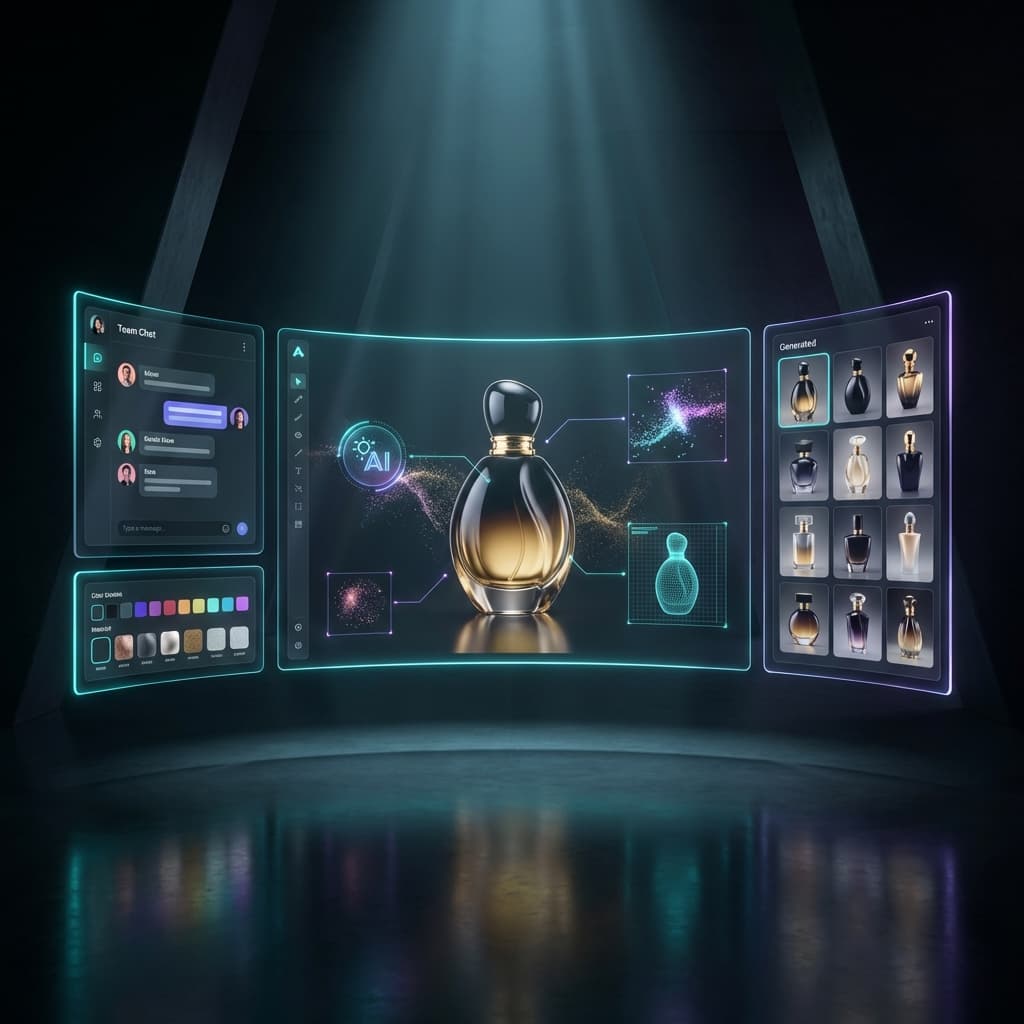

You assume the role of an Art Director. You have a vision. But with most AI tools, you feel more like a gambler at a slot machine.
You type a prompt, pull the lever (click "Generate"), and hope for the best. If the result is wrong - maybe the lighting is too harsh or the angle is off - you have to change the prompt and pull the lever again.
It’s disconnected. It’s random. And for professional workflows, it’s frustrating. As we discussed in our guide on Manual Modeling vs. AI Generation, the cost of iteration has historically been the bottleneck.
Today, we fix that.
1. The "Slot Machine" Problem
Imagine trying to hire a professional photographer, but you’re not allowed to speak to them. You can only write a note, slide it under the door, and wait for them to slide a photo back.
If you don't like it, you have to write a new note. "No, I meant soft light." And because the photographer has no memory of the previous note, they might fix the light but change the angle you loved.
That is essentially how strictly prompt-based AI generation works today. It lacks conversational memory and state persistence. This friction is why many brands still hesitate to fully adopt AI for their catalog workflows.
The Old Way
- Single-shot prompts with no memory
- "Slot machine" random results
- Losing your best settings between generations
- Frantic tab switching to find files
The Studio Way
- Context-aware conversation
- Persistent "Active Product" state
- Iterative refinement ("Make it brighter")
- Unified workspace for creation and history
2. Enter Creative Studio
We built Creative Studio to solve this. It is not just a new page; it is a new paradigm for how you interact with our rendering engine.
Creative Studio is a conversational workbench. It combines the flexibility of chat with the precision of a professional design tool. This approach takes inspiration from intent-based user interfaces, focusing on what you want to achieve rather than how you want to configure technical settings.
3. Conversational Workflow
In Creative Studio, you talk to Rendery3D just like you would talk to a human photographer.
"Show me this bottle on a marble table."
"That's good, but make the lighting warmer."
"Perfect. Now give me 4 variations of that."
The AI remembers what you just generated. You don't need to copy-paste your previous 500-character prompt just to make a small tweak. You simply give direction. This "Chain of Thought" interaction model dramatically reduces the time it takes to get to a final, usable asset.
4. Active Product Context
One of the biggest pain points in AI is "subject amnesia" - the AI forgetting what your product looks like.
Creative Studio introduces the concept of an Active Product. You select your product from your catalog once. The Studio locks onto it. Every request you make - whether it's "put it on a beach" or "studio black background" - automatically injects your product's visual identity, logo, and shape constraints.
This is crucial for maintaining catalog consistency. You can switch the Active Product instantly, and the Studio will re-orient the entire session around the new item, while keeping your style instructions in mind.
5. Try It Yourself
See how the conversational model responds to different stylistic directions in this interactive demo. Notice how the "assistant" modifies the output based on your specific request without needing to be told what the product is again.
Creative Studio Simulator
Interactive Demo (Pro Feature)
Try a prompt:
Generated Assets
6. Batch Generation & Grid
Pro workflows are rarely about generating one image. You need options. You need to explore. Whether you are A/B testing ads or populating a hybrid creative strategy, volume matters.
Creative Studio features a Batch Grid view. You can ask for "8 variations" or "compare material options," and the grid will populate in real-time. It feels like an infinite canvas of ideas.
Never Lose Work
Everything you generate is automatically saved to your persistent Gallery. You never have to worry about "losing" a great render because you refreshed the page.
7. Who Is This For?
Using AI for product photography is no longer just for early adopters. Creative Studio is designed for:
DTC Founders
Use the chat interface to iterate on landing page hero images until they match your brand vibe perfectly, then generate 10 variations for Facebook ads.
Agencies
Sit with your client and adjust the creative direction live. "You want it moodier? Done." "More premium? Done." Eliminate the feedback loop delay.
Amazon Sellers
Stop shipping samples. Use the tool to generate your compliant white background shots and your A+ content lifestyle images in the same session.
Summary
Creative Studio is available today for all Pro users. It represents the future of our platform: tools that empower you to be the Creative Director, not the machine operator.
Stop fighting with prompts. Start directing your studio.
Key Takeaways
Conversational UI: Iterate naturally without rigid forms.
Active Context: The AI remembers your product and your session history.
Batch Power: Generate entire grids of concepts in seconds.
Ready to Start Directing?
Experience the power of Creative Studio today. Upgrade to Pro and unlock your personal AI photography team.
Get Access Now